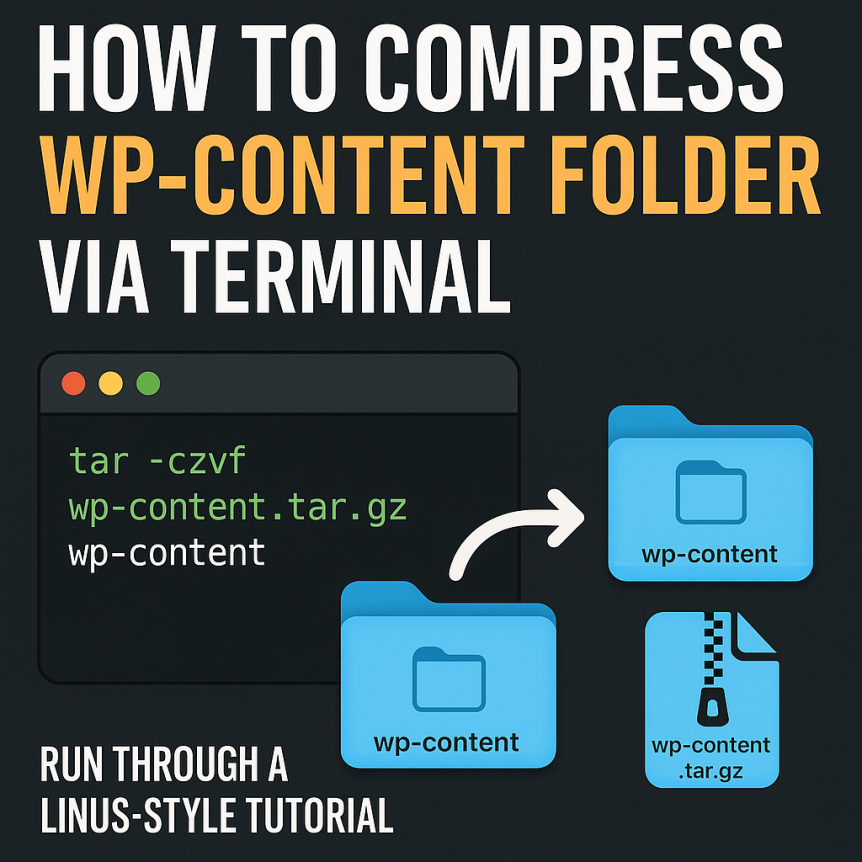

To compress the wp-content folder via terminal, use one of the following commands depending on your preferred archive format: 🔹 To compress as .zip: bash CopyEdit zip -r wp-content.zip wp-content 🔹 To compress as .tar.gz (recommended for Linux): bash CopyEdit tar -czvf wp-content.tar.gz wp-content 🔹 To compress as .tar (uncompressed tarball): bash CopyEdit tar -cvf wp-content.tar wp-content These commands should …